3 ways to attract more guests

Appeal to more guests by expanding your service area and providing a range of prices and business hours.
Managing your availability
Add business hours and set an availability window. Guests can only find services that have both. When you’ve finished, preview your listing to see what guests see.
In the Listings tab:
- Select business hours. You can add the same hours for each offering or different hours for each. Consider focusing on peak times. For example, the most popular times might be mornings for personal trainers and evenings for private chefs.
- Enter an availability window. Guests can book between 3 and 24 months ahead. You can vary this for each offering.
- Set up overlapping reservations. Increase your earnings potential by booking multiple guests at the same time. You and your co-hosts can accept overlapping reservations to serve more guests.
In your calendar:
- Refine your availability. You can add hours outside your regular business hours and block times you can’t work. Any blocked times apply to all offerings.
- Sync calendars. Connect your Airbnb and Google calendars. All events on your Google Calendar will block those times on your Airbnb calendar.
Pricing competitively
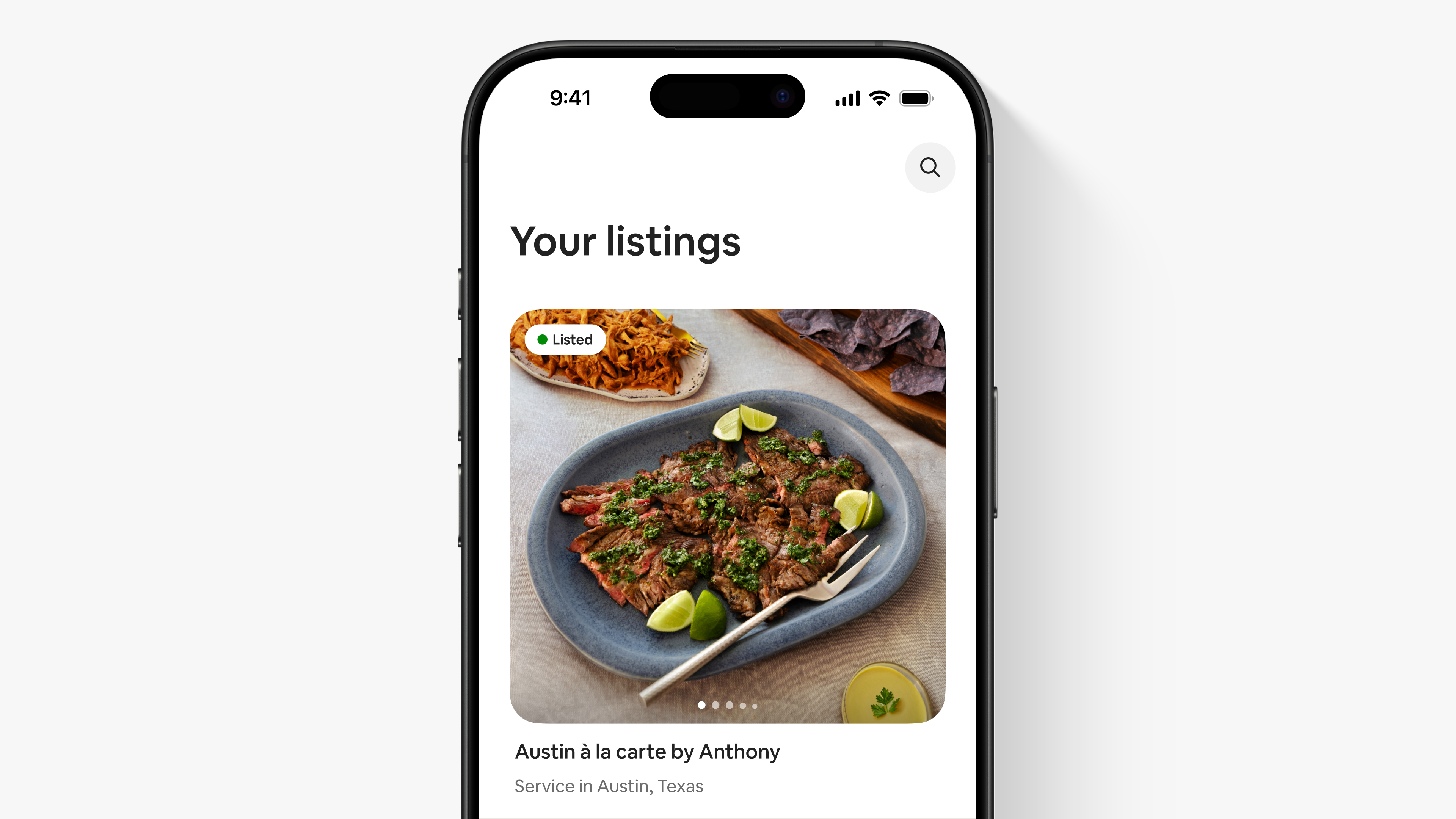
It’s a good idea to provide at least 3 offerings at entry, standard and premium prices to remain competitive and attract more guests. A range of prices may lead to higher revenue and more reviews. For example, guests typically want to pay $52 to $95 USD for a 3-course meal, $54 to $96 USD for a spa treatment or $46 to $75 USD for a photo shoot.*
- Include an entry-level offering. Guests see your least expensive offering in search results. An entry-level offering can help attract guests and generate interest in your other offerings.
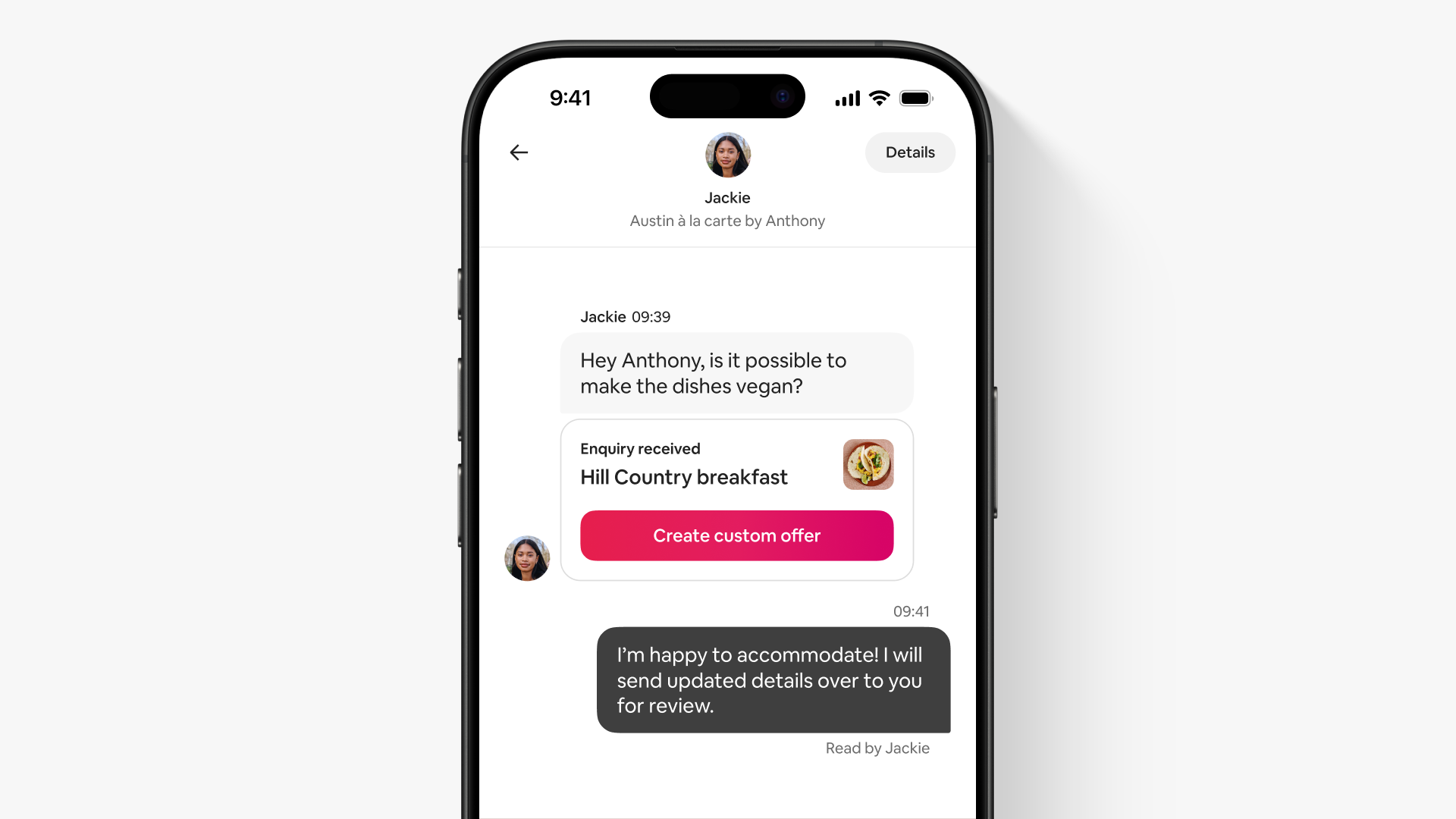
- Provide custom offers. Send custom offers with a payment request in the Messages tab before a guest books. For example, a guest might ask a personal trainer if they can accommodate an early-morning workout or travel beyond their service area.
- Personalise with alterations. You can send a price alteration in the Messages tab after a guest books. For example, a guest may want to customise their offering by adding French tips to their manicure or a special ingredient to their meal.
- Add a minimum price. If you charge a price per guest, you can set a minimum price per booking. This can be helpful for services where groups are common, like catering or prepared meals. For example, if a guest wants to book a £50 offering for 2 guests and your minimum is £120, they’ll need to pay £120 to book.
- Offer deals. You can add limited-time, early-bird and large-group discounts to help entice guests to book. When you apply a discount, guests will see your original price displayed with a strikethrough in search and on your listing.
Expanding your service area
Decide whether you’ll travel to guests, guests will come to you or both. You can choose how far you’re willing to go by entering your maximum travel time. If guests come to you, keep in mind that they’ll only find you if they search for services close to your location.
If you travel to guests:
- Consider your service area. To appear in more search results, make sure you’ve entered your maximum travel time.
- Note any flexibility. In your listing description, mention any areas that you’re willing to travel to occasionally or that guests can contact you if they’re outside your service area.
If guests come to you:
- Verify your address. Guests who view your listing will see the distance and travel time to your location.
- Include your business name. This will help guests find you when they arrive.
- Add professional photos. Images of your location show the quality of your service and help guests find you.
*Based on a March 2025 online survey of more than 700 Airbnb guests and potential first-time bookers in the US.
User experience may vary by location. Information contained in this article may have changed since publication.